Manage window margins and spacing with minimal effort
WindowKeys provides a one-click option to show or hide window margins, allowing users to quickly adjust window spacing without manual configuration.

Make 3rd party keyboards work with window-tiling shortcuts
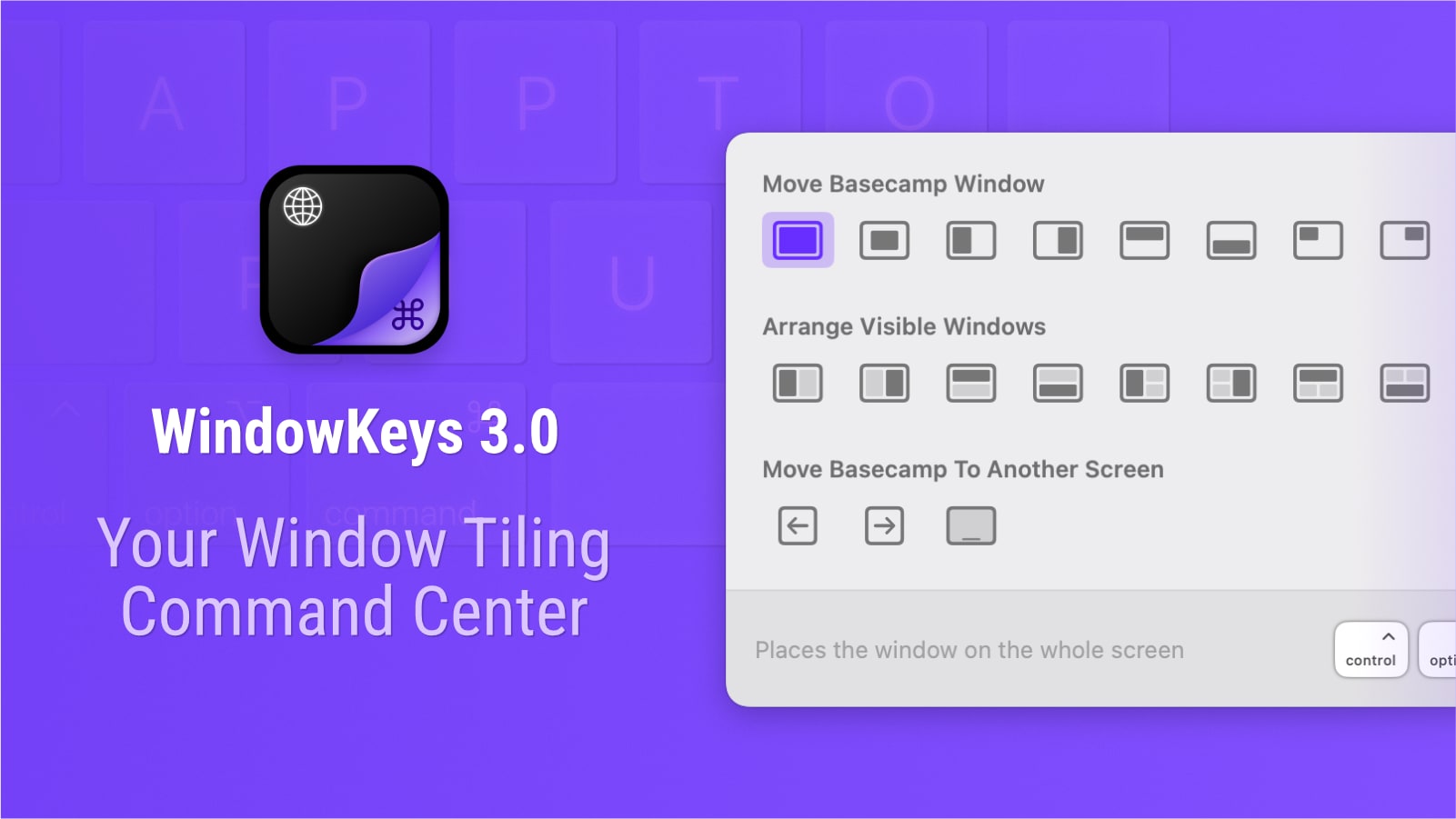
Access all native window-tiling actions in one panel. Repeat the last tiling action per app. Move windows between displays (and iPad). Fully customizable shortcuts, even for third-party keyboards. Completely free.
WindowKeys provides a one-click option to show or hide window margins, allowing users to quickly adjust window spacing without manual configuration.
WindowKeys includes a feature to move windows across displays using customizable shortcuts, streamlining multi-monitor workflows without manual dragging.
WindowKeys remembers the last tiling command used for each app window and allows users to repeat it instantly with a single shortcut, reducing repetitive actions.
WindowKeys lets users assign any keyboard shortcut to tiling actions and works with third-party keyboards that may not support macOS native shortcuts, enabling consistent window management across different input devices.
WindowKeys provides a centralized Tiling Panel that consolidates all native macOS window tiling actions in one place, allowing users to assign custom keyboard shortcuts for instant access to tiling operations.