
Back to products
GalaxyBrain

GalaxyBrain

An information operating system powered by local files

Website galaxybrain.com
Overview

What it is

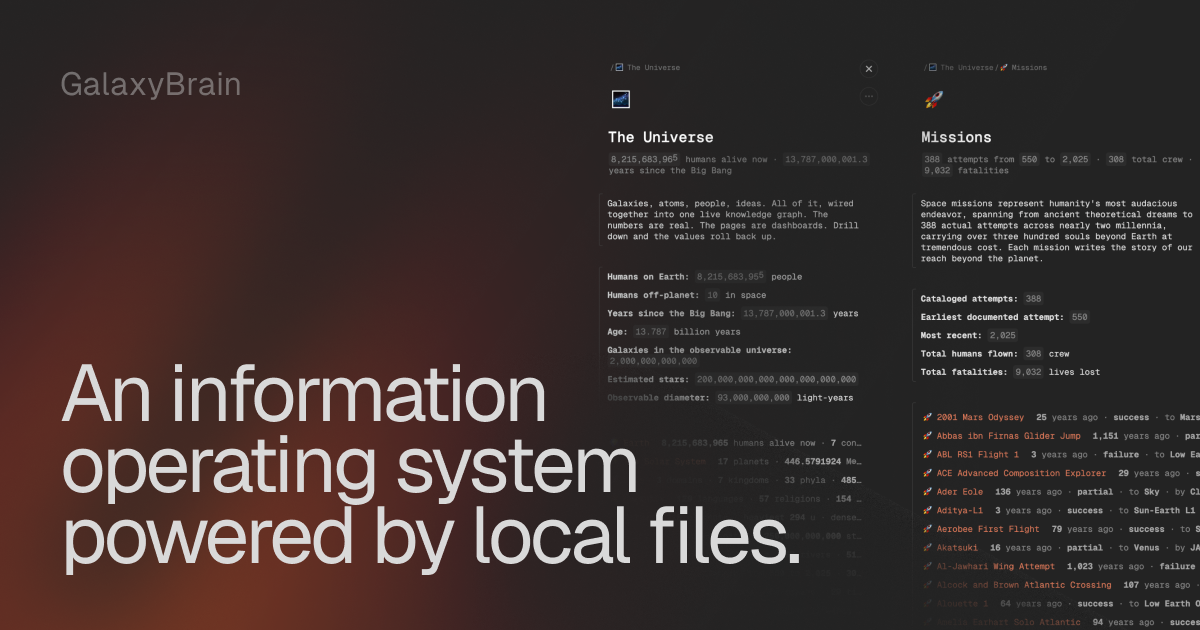
GalaxyBrain combines the concepts of an editor, a database, and a simple programming language.

Intent

I need it when

Enable AI agents and scripts to read, search, and edit workspace pages programmatically

GalaxyBrain exposes an MCP (Model Context Protocol) interface and WebSocket API that allows Claude, Cursor, and other AI tools to work with pages under the same validation rules as manual editing. Agents can traverse, search, and modify content without bypassing the application layer.

Keep all workspace data private and under local control without requiring account creation or cloud storage

GalaxyBrain stores all pages as plain .jsonl files in a local folder on the user's computer. No account is needed, no data is sent to servers by default, and users can zip, back up, or share their entire workspace as a folder—maintaining full ownership and privacy.

Work offline and share a standalone snapshot of the workspace without requiring internet or server access

GalaxyBrain can export the entire app and workspace as a single offline HTML file that runs from file:// in Chrome. Users can share this file with colleagues, and each person runs an independent copy against their own local folder.

Organize and structure personal knowledge in a single workspace that blends document writing with spreadsheet-like calculations

GalaxyBrain lets users write prose and create structured pages with embedded variables, formulas, and live calculations. Pages can reference each other, aggregate data across linked pages, and auto-sort by metrics or custom variables—enabling a personal knowledge base that computes and updates in real time.

Create templated pages with auto-incrementing numbers, date stamps, and placeholder resolution for recurring workflows

GalaxyBrain supports template pages with $NextNumber, $NextDay, and $DateToday placeholders that resolve when a real page is created from the template. This enables fast creation of journal entries, meeting notes, and numbered projects without manual setup.

Drop

Not a fit when

  • User requires mobile or tablet access—GalaxyBrain is desktop-only for now
  • User needs cloud-based collaboration with multiple simultaneous users—it stores pages locally in a single folder per user
  • User requires persistent cloud backup by default—pages are stored only on local disk unless manually backed up
  • User needs real-time sync across devices—local-file architecture does not support automatic cross-device synchronization
  • User prefers a fully mature, production-ready product—GalaxyBrain is in beta (v0.9.5) with breaking changes possible
Commercials

Pricing

Free beta (v0.9.5)